

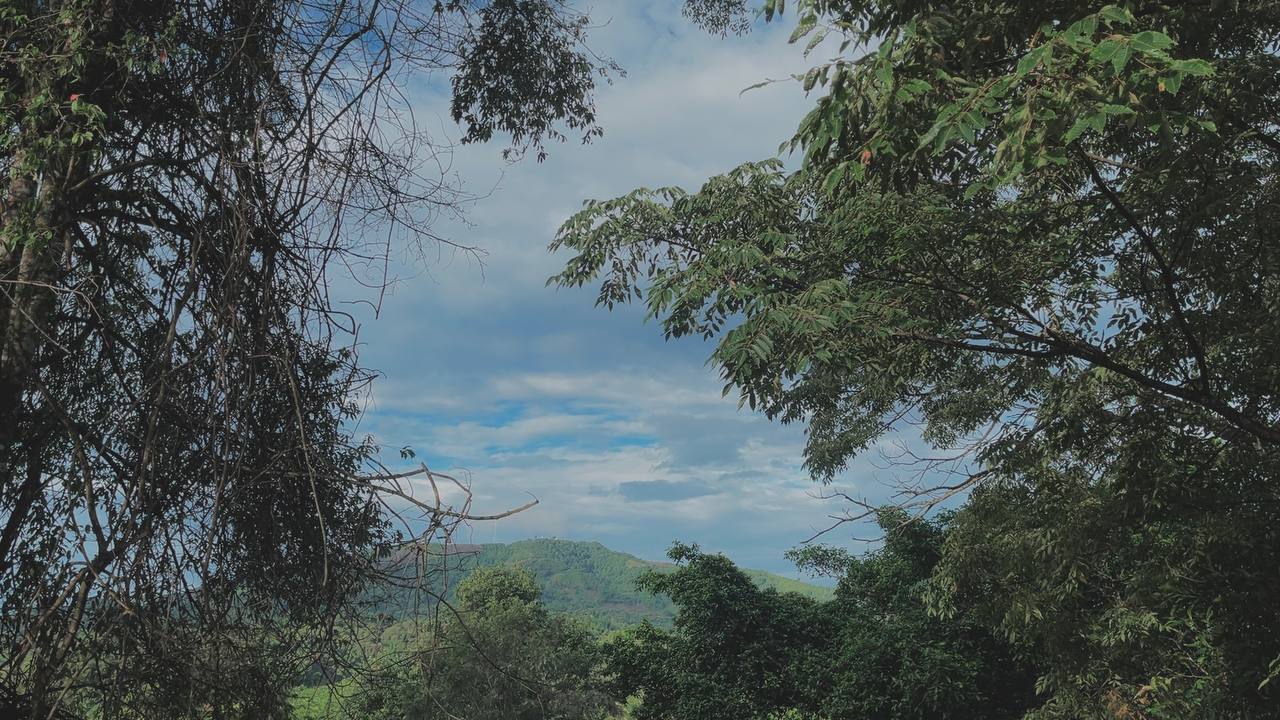
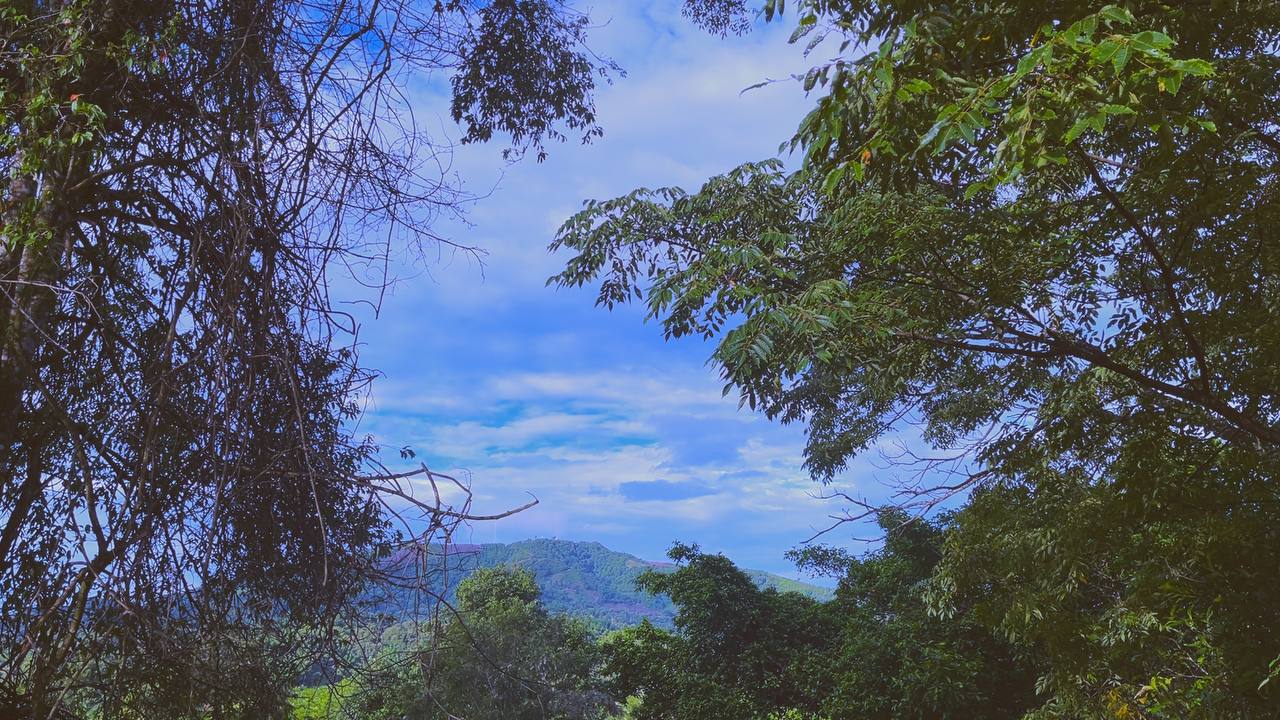
FREE .CUBE LUT
Cool Commercial
Clean blue separation for architecture, products and modern commercial frames.
AINENU COLOUR LAB / FREE LUTS
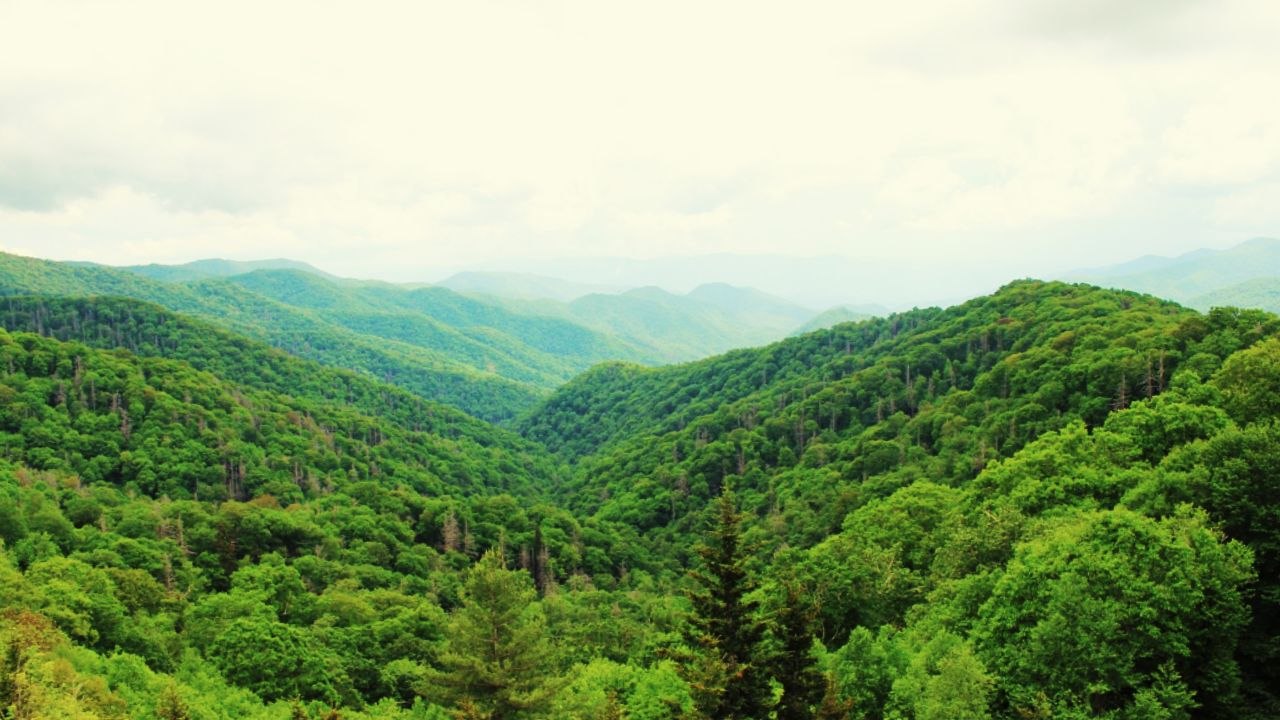
Free colour looks for filmmakers, editors and creators. Compare every grade, preview it full-screen and download the .cube file.
17 FREE LOOKS · .CUBE FORMAT · INSTANT DOWNLOAD
COLOUR WITH INTENTION
A LUT gives footage a consistent colour direction in seconds. Start with a balanced image, apply a look, then reduce its strength until it supports the story.
These files are intended as creative starting points. Exposure, white balance and colour management still matter.
WORKS WITH POPULAR EDITING APPS
 CapCut
 Blackmagic Camera
 DaVinci Resolve
 Final Cut Pro
 Adobe After Effects
 Adobe Premiere Pro
THE FREE COLLECTION
Drag each divider left and right. Every download includes the original .cube LUT shown in its preview.
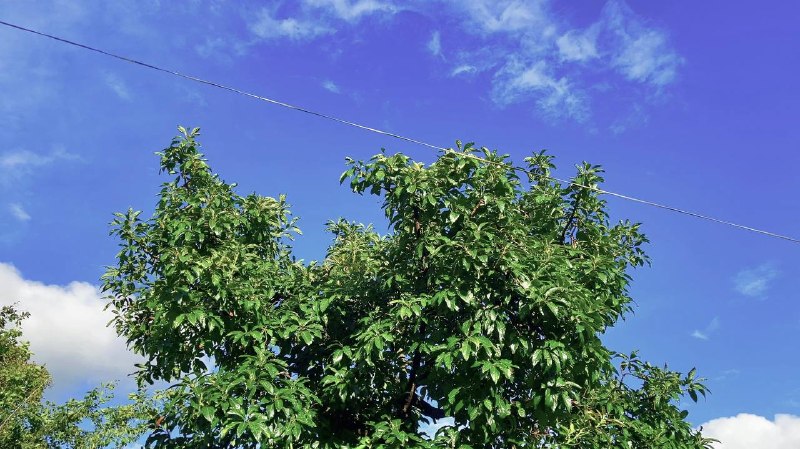
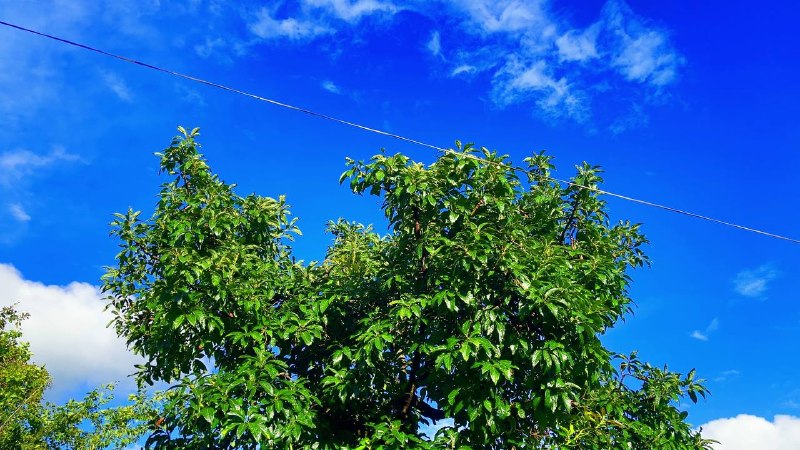
FREE .CUBE LUT
Clean blue separation for architecture, products and modern commercial frames.
FREE .CUBE LUT
A sharp cool finish that adds clarity and a polished digital feel.

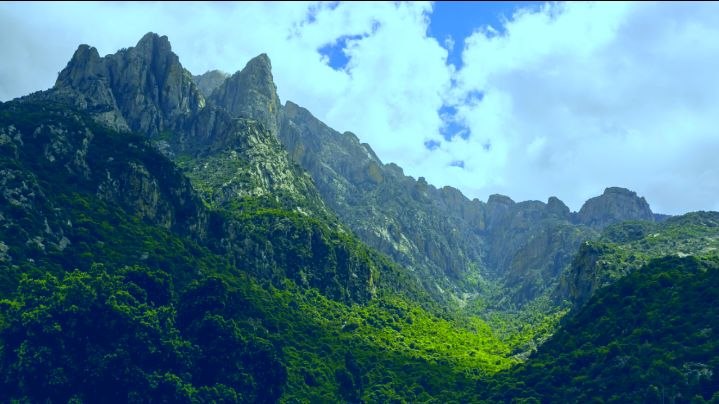
FREE .CUBE LUT
Balanced blues and gentle contrast for outdoor and travel footage.
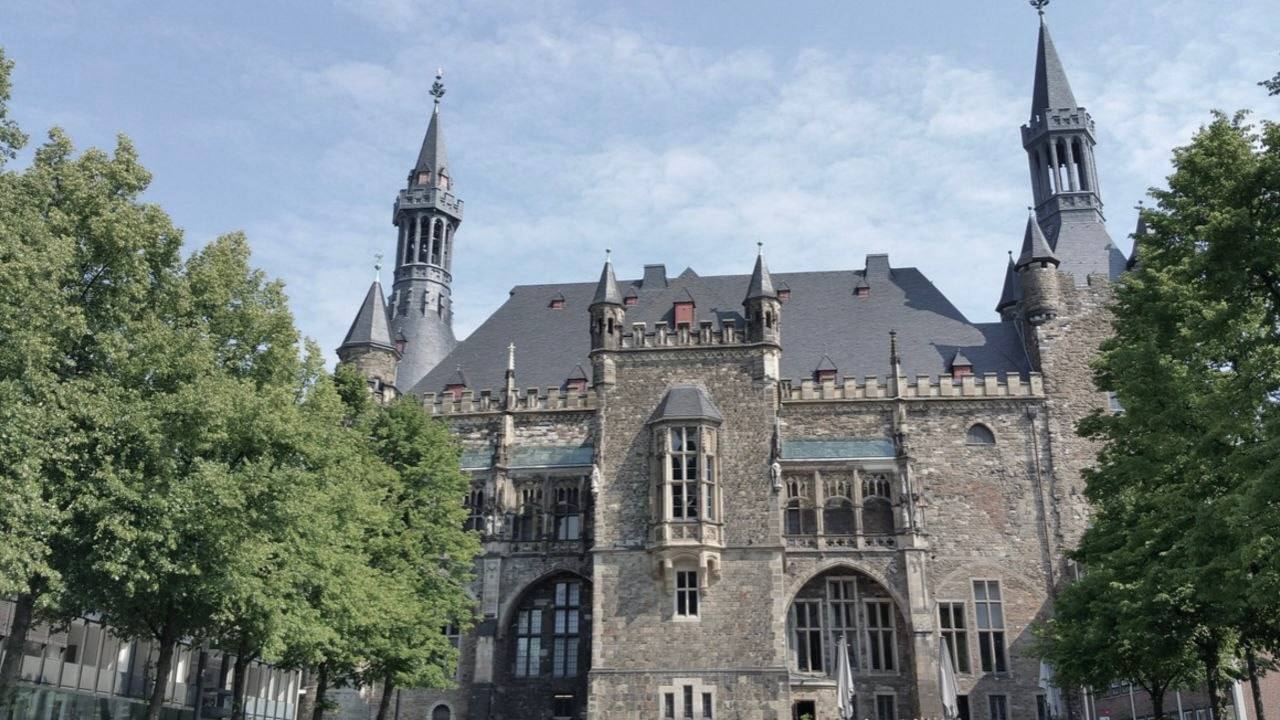
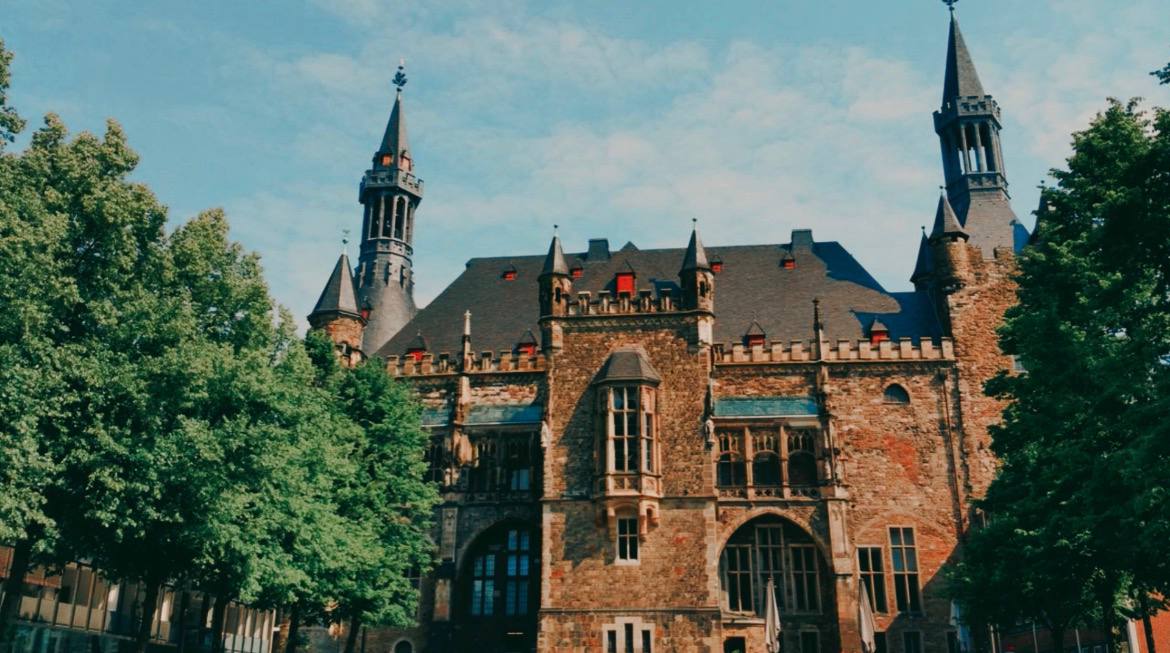
FREE .CUBE LUT
Controlled contrast with a refined finish for lifestyle and branded content.
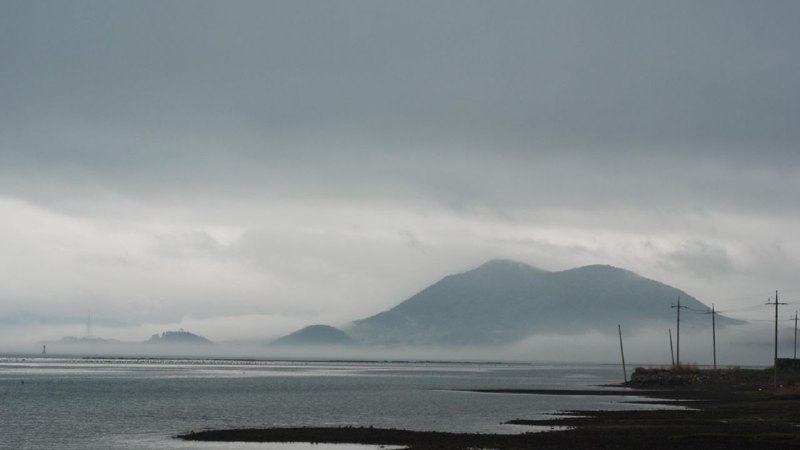
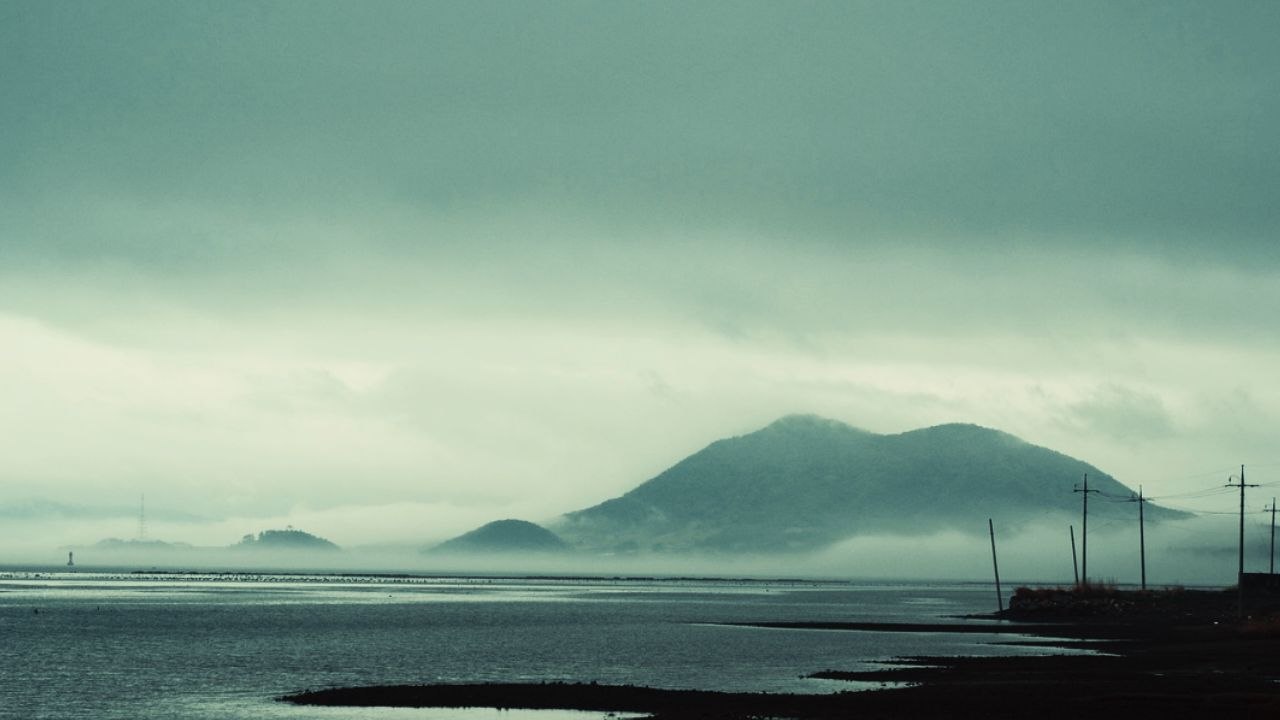
FREE .CUBE LUT
A cooler cinematic palette for night scenes, city visuals and dramatic edits.


FREE .CUBE LUT
A practical neutral starting point before creative colour grading.
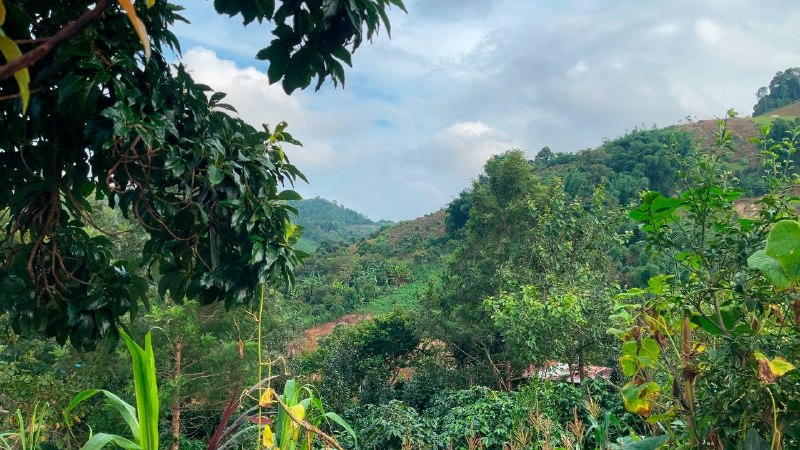

FREE .CUBE LUT
Designed for aerial footage with clearer skies and stronger environmental colour.


FREE .CUBE LUT
Bright, clean greens and warm skin-friendly contrast for everyday stories.
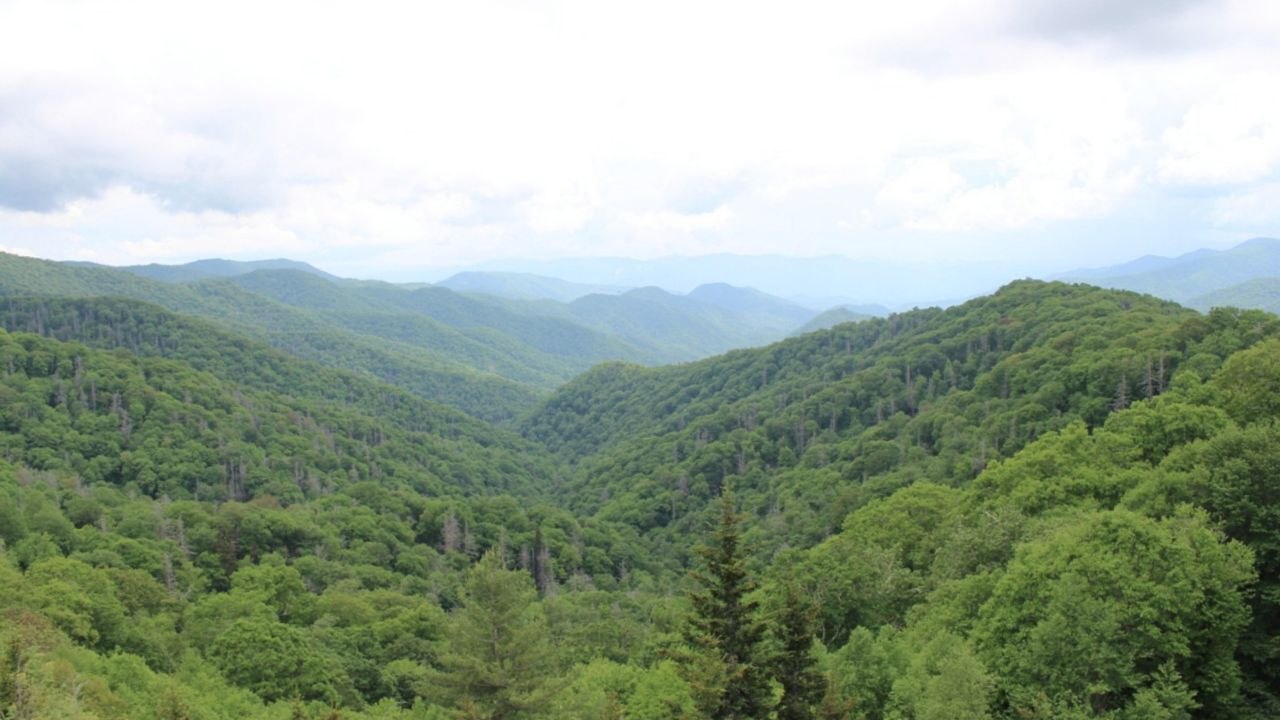
FREE .CUBE LUT
Warm highlights and rich orange tones for sunsets, interiors and lifestyle footage.


FREE .CUBE LUT
Natural green separation for gardens, landscapes and outdoor campaigns.
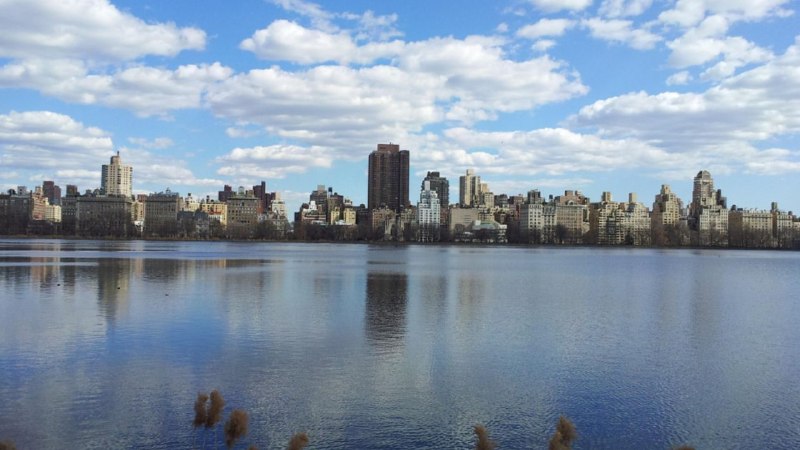
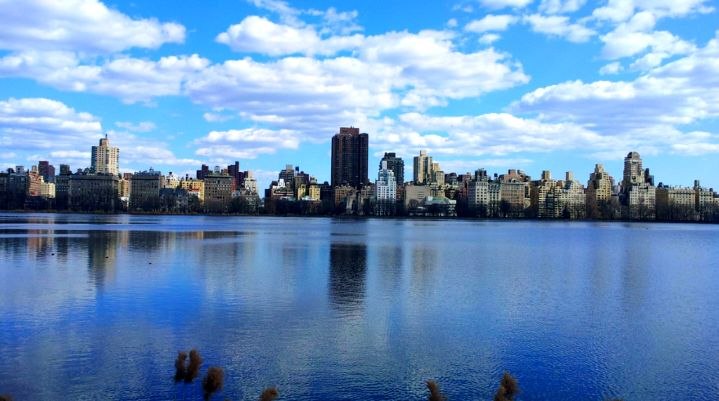
FREE .CUBE LUT
A versatile colour boost for travel, city and general social content.
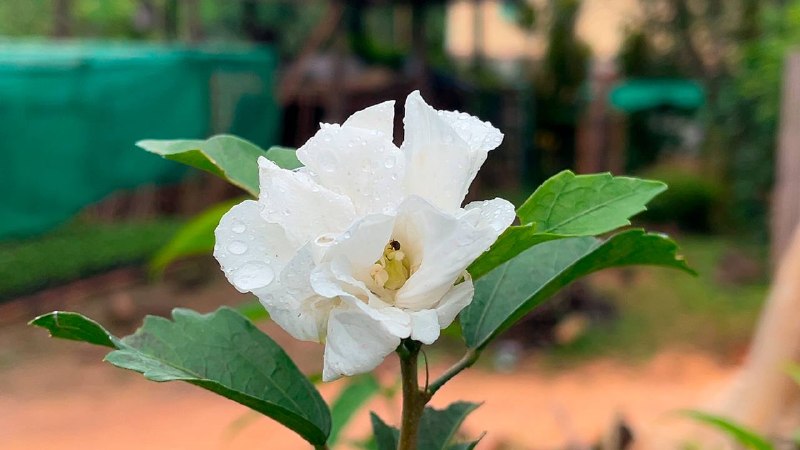
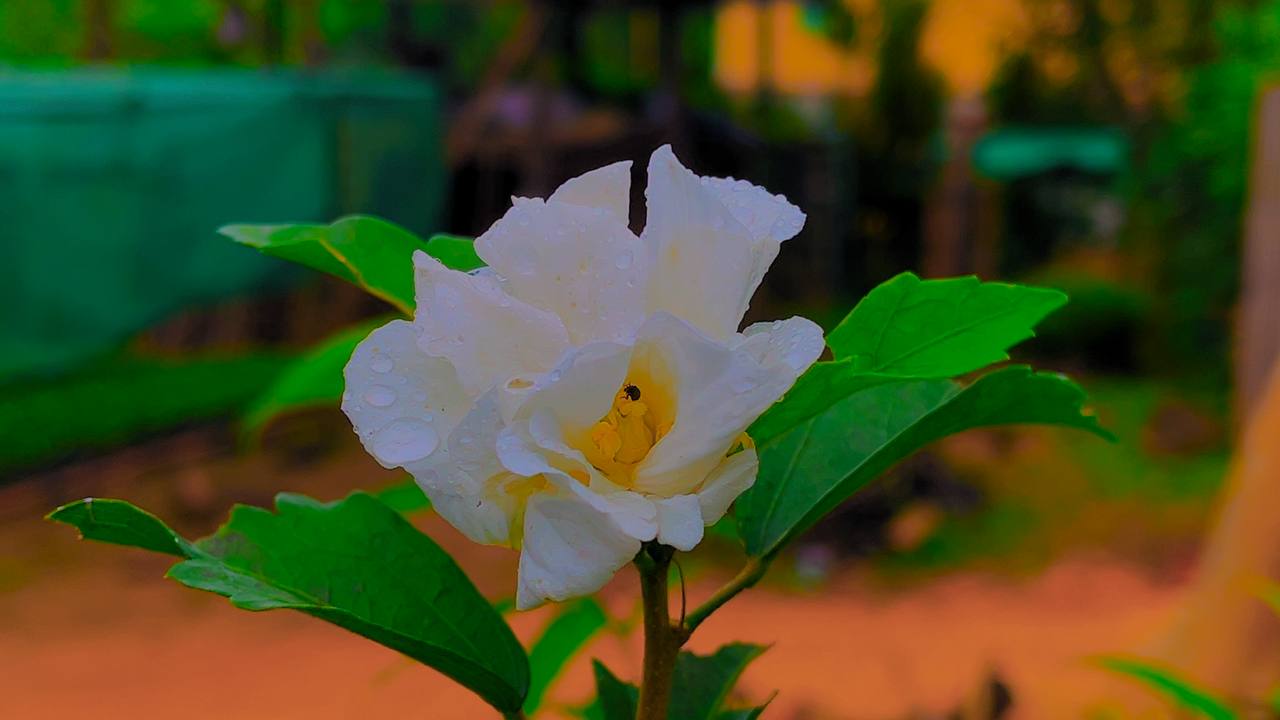
FREE .CUBE LUT
Tames bright areas while keeping the image clean and luminous.
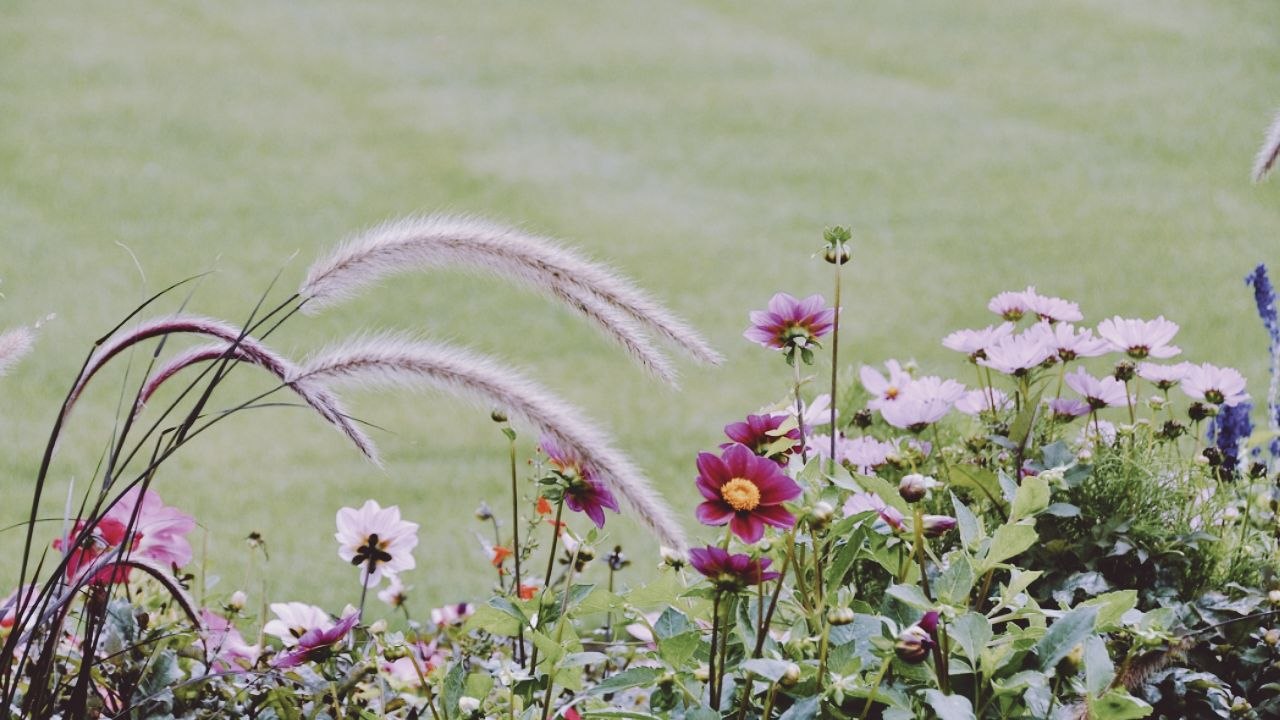
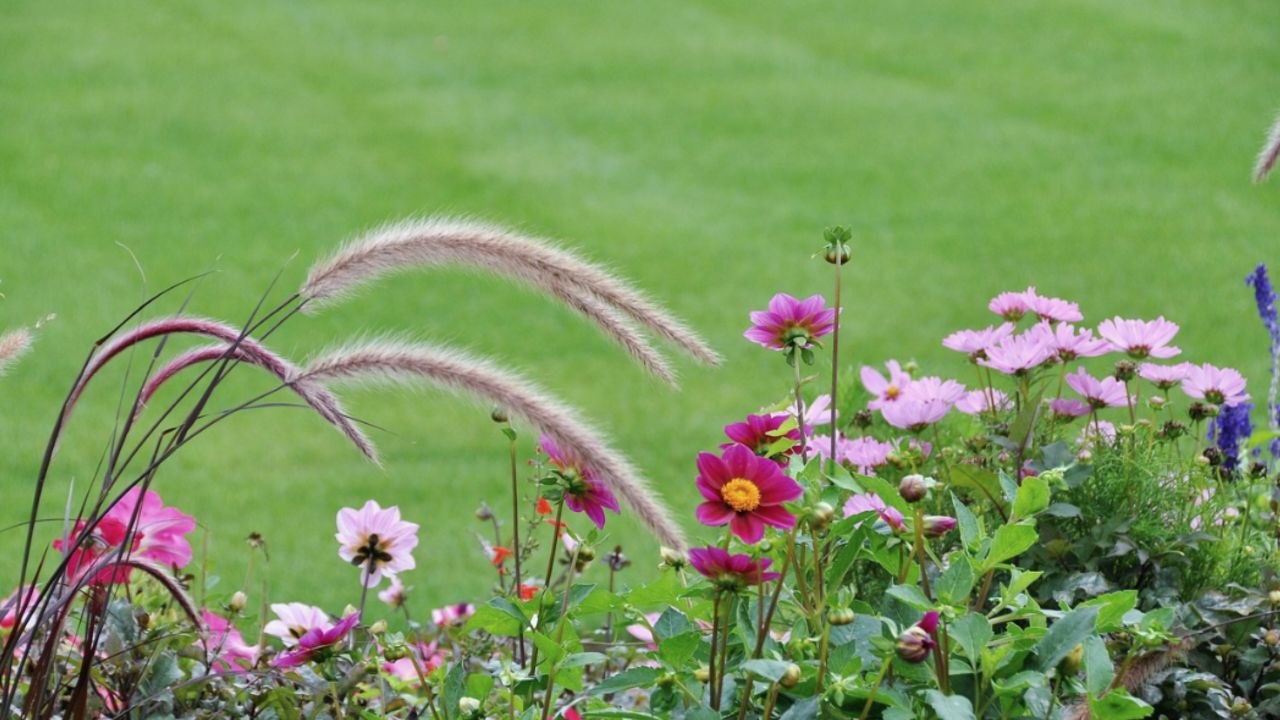
FREE .CUBE LUT
A nostalgic film-inspired look with softened colour and period character.

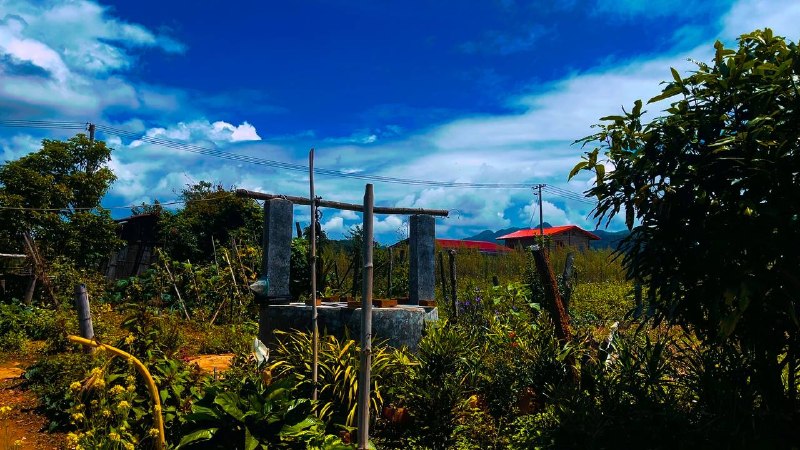


FREE .CUBE LUT
Balanced contrast and colour for people, interviews and lifestyle portraits.


FREE .CUBE LUT
Classic cinematic colour separation for dramatic commercial storytelling.
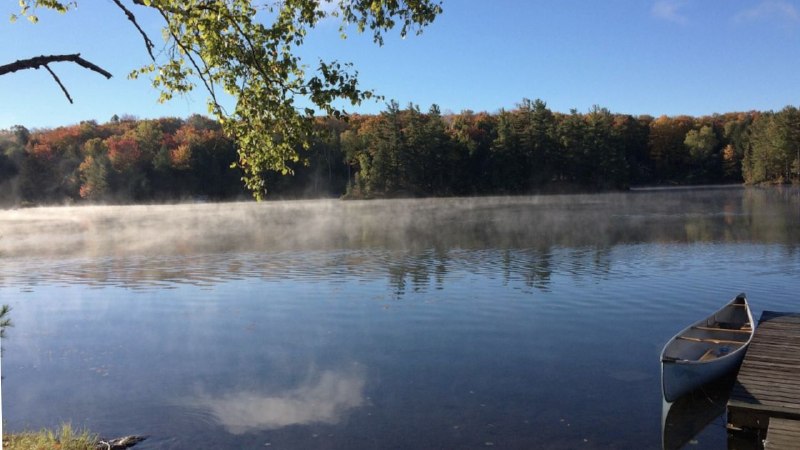
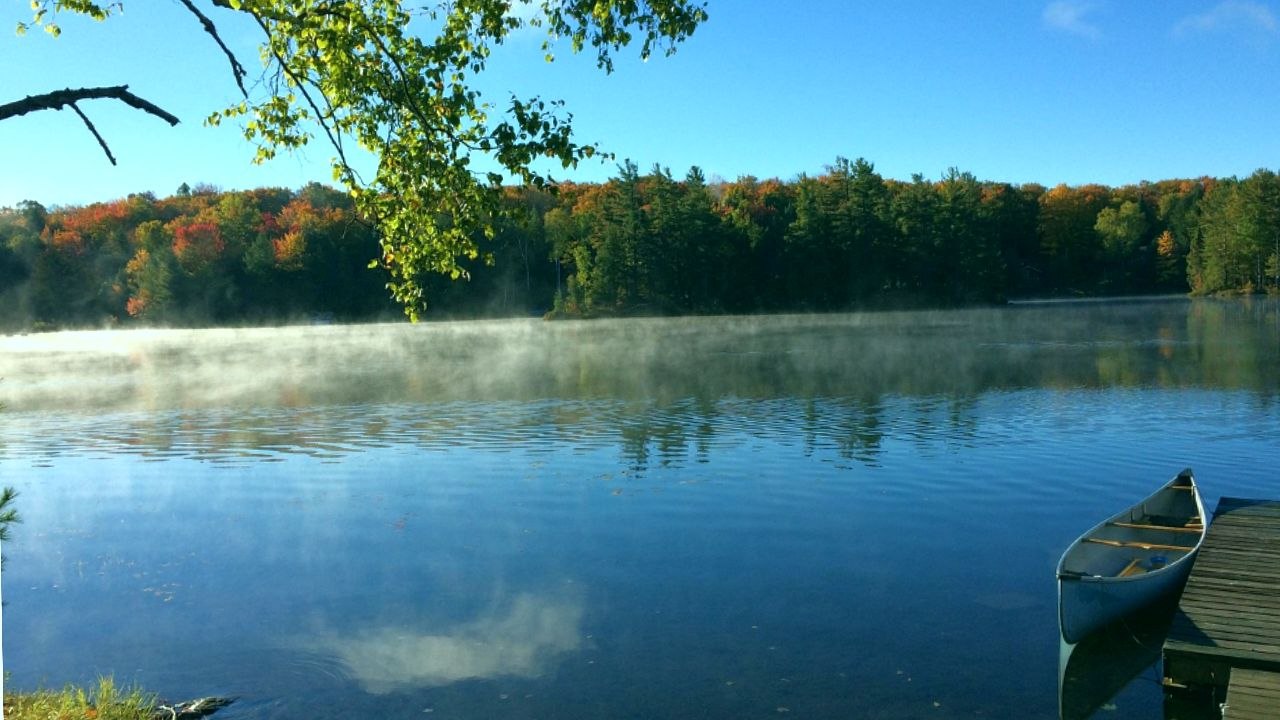
FREE .CUBE LUT
Clear blue and aqua tones for pools, water, travel and hospitality visuals.
HOW TO USE IT
A clean result starts before the LUT is applied. Use this short workflow in DaVinci Resolve, CapCut Desktop or Final Cut Pro.
Read the complete guide ↗Correct exposure and white balance so the LUT receives a neutral starting image.
Open your editor’s colour or LUT controls and select the downloaded file.
Add the LUT to the selected clip, adjustment layer or separate colour node.
Reduce intensity when needed, then check skin tones, highlights and shadows.
BETTER RESULTS
Small adjustments make the difference between a filter and a professional grade.
Choose a look that supports the lighting, subject and mood instead of forcing every clip into one style.
Duplicate the timeline or preserve the source grade so you can compare and return to a clean version.
A LUT at full strength can be too aggressive. Lower its mix until skin, highlights and shadows feel believable.
Fix exposure, contrast and white balance before applying a creative look.
Use adjustment layers, nodes or separate effects so every choice remains editable.
Watch faces separately and correct them after the LUT if the creative palette shifts them too far.
Combine technical correction and creative styling in separate steps, with one clear purpose per layer.
Name favourites, group packs by mood and keep project-specific grades with the project archive.
LUT QUESTIONS
It is a widely supported colour lookup table used to transform colour values in compatible editing and grading software.
Yes, the listed downloads are provided free for personal and commercial creative projects. Do not resell or redistribute the files as a LUT pack.
No. Camera profile, lighting, exposure and white balance affect the result. Treat each LUT as a starting point.
CapCut Desktop versions that support custom LUT import can use .cube files. Availability can differ by version and platform.
Your footage may use a different colour profile or exposure. Correct it first, then adjust LUT intensity.
No. Correction creates a clean technical base; the LUT adds a creative direction.
COLOUR YOUR NEXT STORY