


01 / AI Tools
Clutch: Preparing an Android Phone for a Better Gaming Session
Many mobile optimization apps promise dramatic performance improvements without explaining what they actually change.
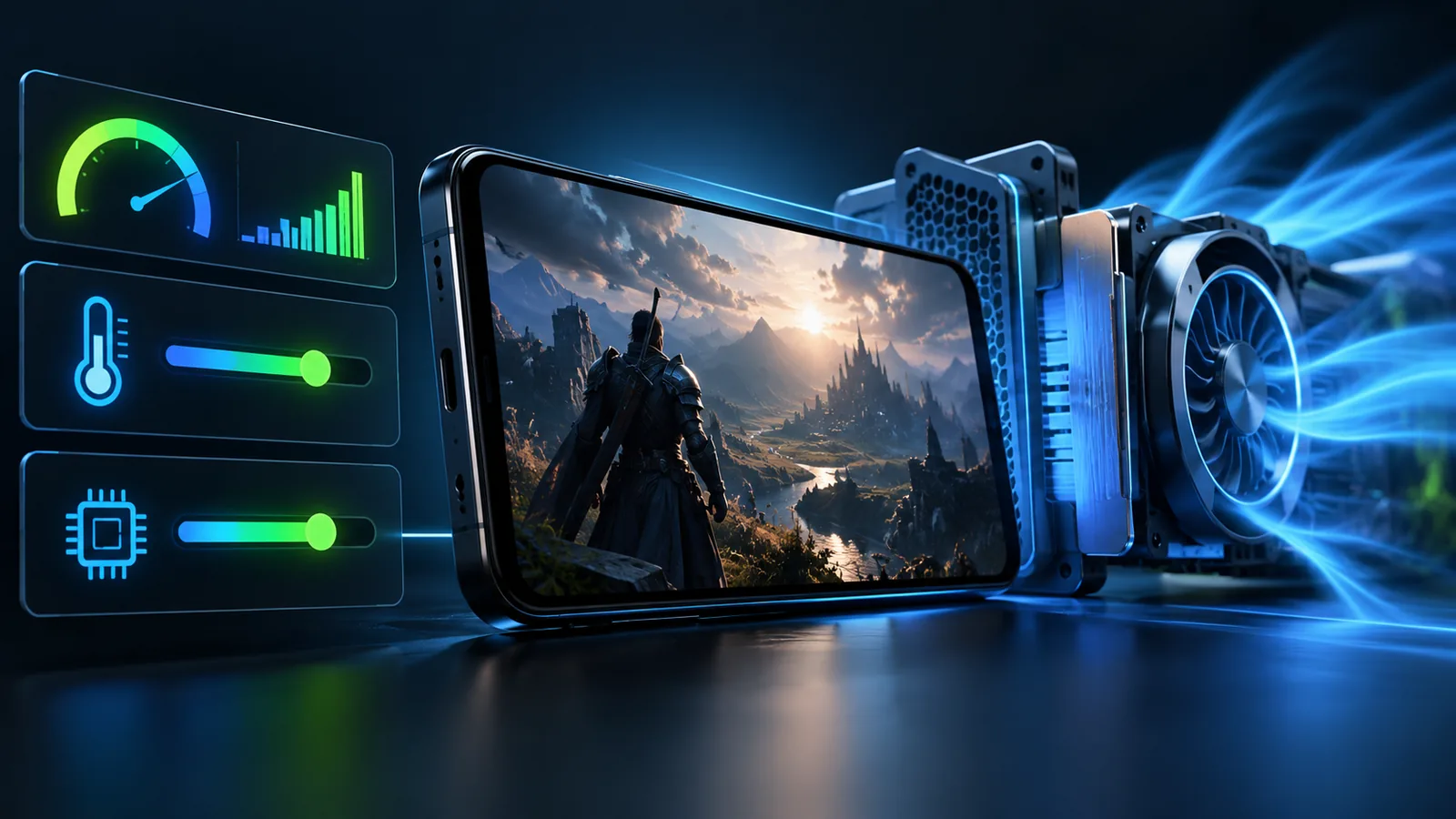
Clutch takes a more practical approach. It focuses on observable conditions that can affect a gaming session, including background network activity, device temperature, interruptions and connection quality.
02 / AI Tools
Focus on Real Conditions
According to the official XniperBuilds product summary, Clutch is a non-root game optimizer that includes:
- Bandwidth firewall controls
- Thermal monitoring
- Focus mode
- Network Doctor tools
These features address common problems surrounding gameplay without claiming to rewrite the game or create artificial hardware performance.
03 / AI Tools
Network Awareness
A background application can consume bandwidth while a game is active. A network-focused utility can help users identify or control avoidable traffic, depending on the permissions and functions available in the current version.
Connection diagnosis may also help distinguish between an internet problem and a problem inside the game itself.
04 / AI Tools
Temperature and Distractions
Sustained gaming can increase device temperature. Thermal monitoring gives the user information needed to decide when to reduce load or allow the phone to cool.
Focus features can reduce avoidable interruptions during a session. This is especially useful when notifications, calls or background activity affect concentration.
05 / AI Tools
What a Game Optimizer Cannot Do
No application can turn weak hardware into a flagship device, repair an unstable internet provider or guarantee a particular frame rate in every game.
Clutch should be understood as a preparation and monitoring tool. Its value comes from visibility and control rather than unexplained “boost” numbers.
The app does not require root access and the official description says it does not touch the game itself.
06 / AI Tools
Check the Current Product Page
Detailed features, permissions and compatibility can change as an application develops. Users should review the official Clutch page before installation and follow the instructions for the current release.
07 / AI Tools
CTA: Explore Clutch
Visit the official XniperBuilds page to check current availability and supported features.