

01 / AI Tools
JFF Crosshair Pro: Customize What You See at the Centre of the Screen
Default crosshairs are not always easy to see against changing environments. Some players prefer a different colour, size or shape that remains more visible during play.
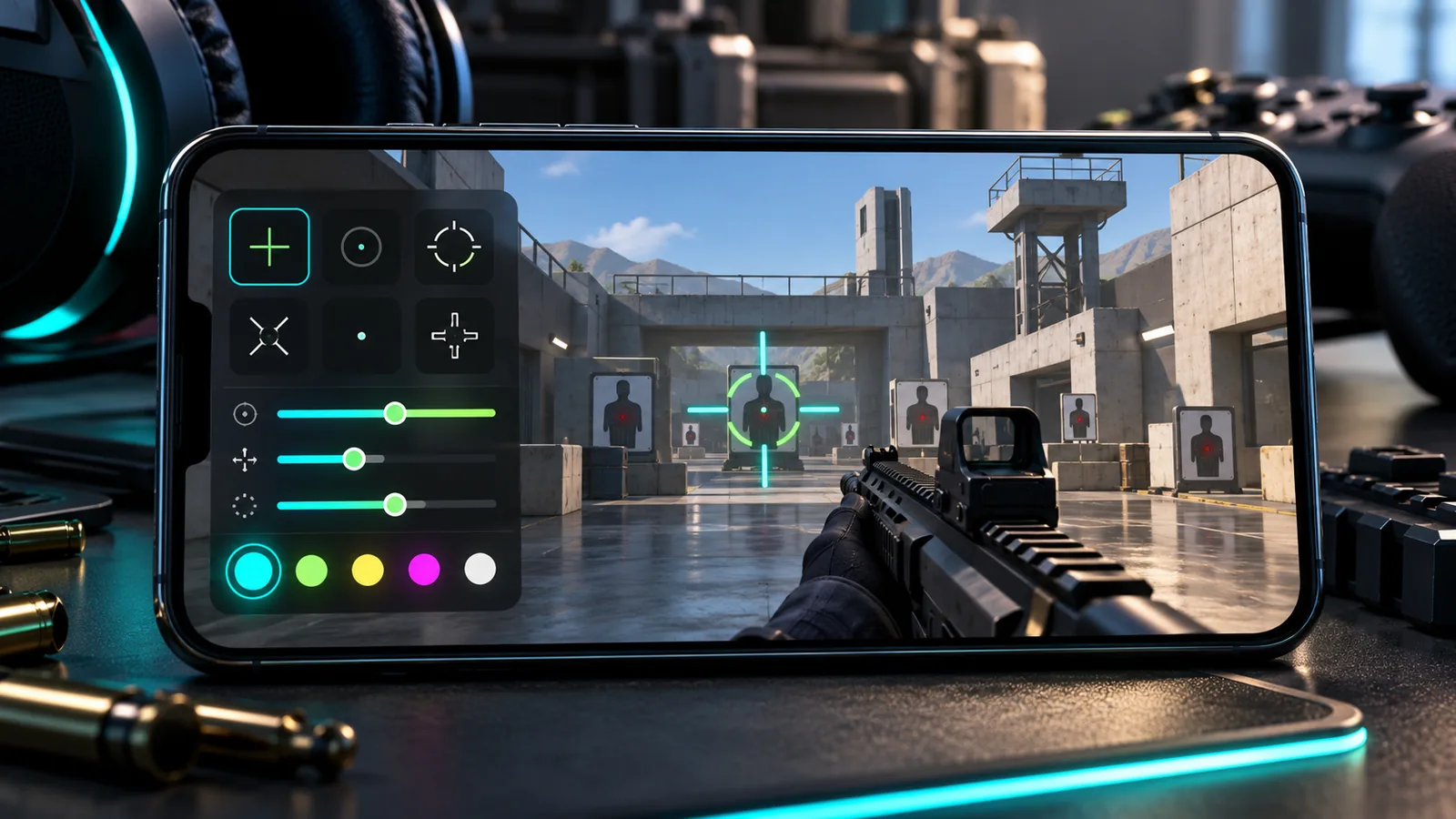
JFF Crosshair Pro places a customizable visual overlay on an Android screen.
02 / AI Tools
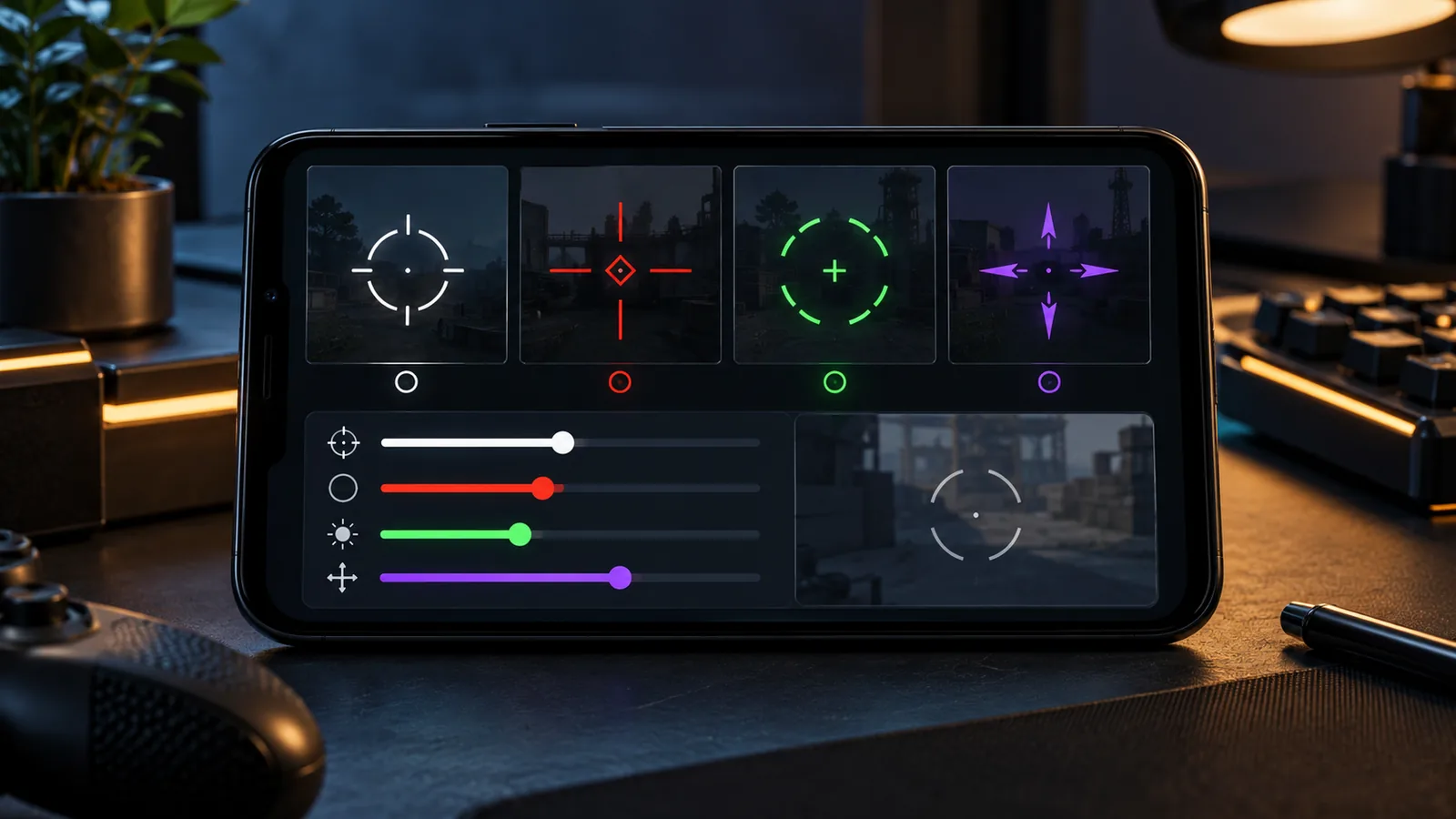
Crosshair Customization
The official product page describes a library of preset crosshair styles along with controls for:
- Shape
- Size
- Thickness
- Gap
- Centre dot
- Opacity
- Outline
- Colour
- Screen position
Users can also select a compatible transparent PNG as a custom crosshair.
03 / AI Tools
Practical In-Game Controls
The app is designed to keep its overlay available through an Android foreground service. Supported games can be selected for automatic activation, while notification controls allow adjustments without repeatedly returning to the main app.
Position controls help align the visual marker with the centre used by a particular game or device.
04 / AI Tools
Built-In Practice Tools
JFF Crosshair Pro also includes:
- Timed aim drills
- Reaction-time tests
- Tap-speed testing
- A network ping checker
- Shareable crosshair setup codes
These tools provide simple warm-up and connection checks before entering a match.
05 / AI Tools
A Visual Overlay, Not a Game Modification
The product page states that the app draws a visual layer over the display and does not modify game files.
Players should still review the rules of the specific game or competition they participate in. Individual publishers and tournament organizers may define their own policies for overlays and external tools.
JFF Crosshair Pro is independent and is not affiliated with Garena, Free Fire or other game publishers.
06 / AI Tools
CTA: Explore JFF Crosshair Pro
Visit its official page to review the current Android release, required permissions and installation instructions. :::