

01 / AI Tools
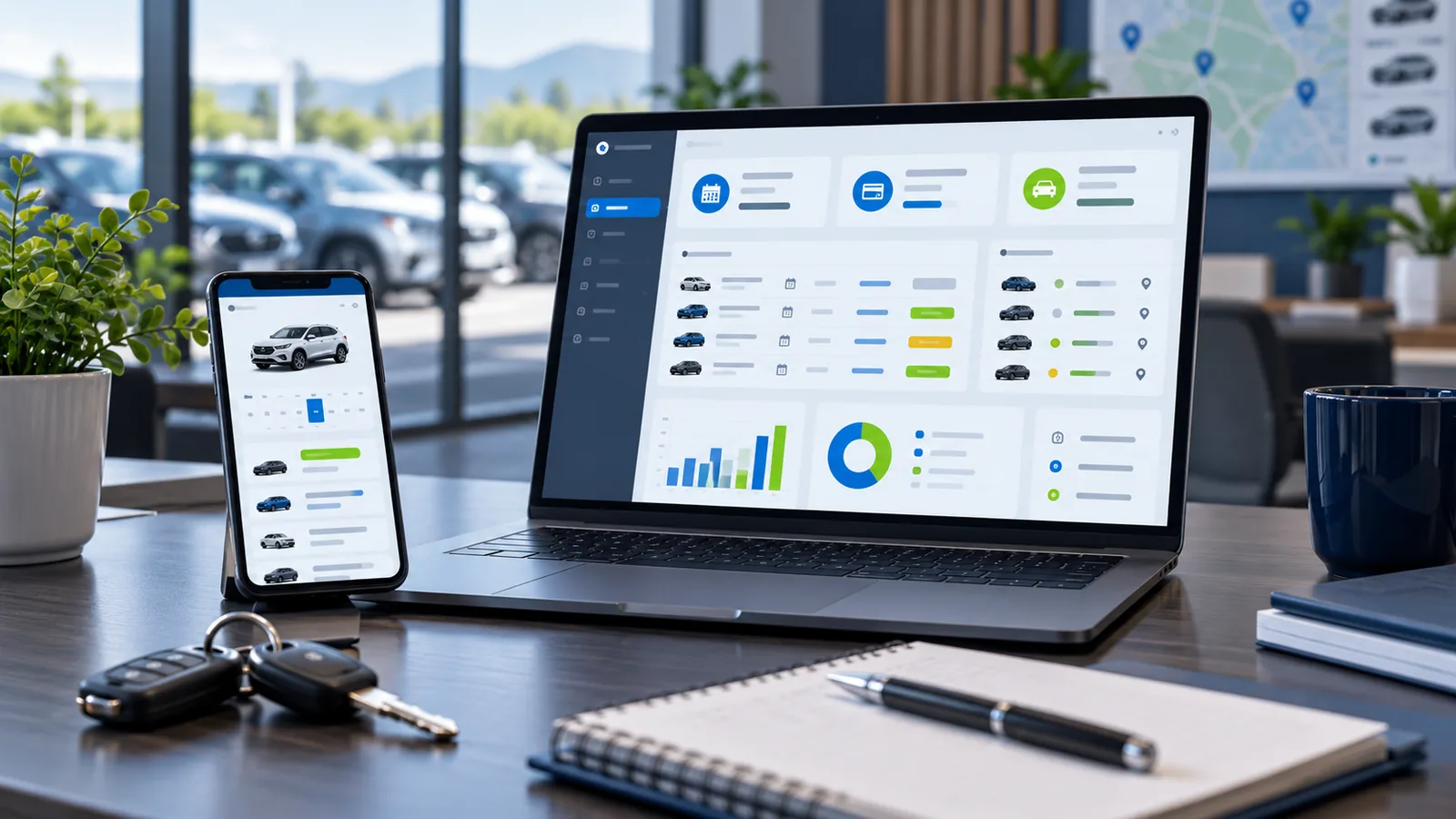
Rent Ledger: A Clearer Record for Every Vehicle Lease
A rent-a-car business must track more than vehicles and drivers. Each active lease can generate monthly rent, partial payments, expenses, fines, document dates and partner records.
Rent Ledger organizes this work inside a Windows desktop application created around the operating cycle of a rental office.

02 / AI Tools
Automatic Monthly Rent
Repeated monthly entries can create mistakes when maintained manually.
Rent Ledger can post monthly rent according to the lease information recorded in the system. Its official page describes support for open, closed and fixed-term agreements, including handling for contract extensions and backdated closures.
The aim is to reduce missed or duplicated monthly entries.
03 / AI Tools
Payments and Running Balances
Payments, expenses, fines and adjustments are recorded in the relevant driver account. Each entry contributes to a running balance, giving the office a clearer statement of what has been charged and collected.
The system can also produce a monthly collection roster in Excel for supported workflows.
04 / AI Tools
Partner and Own-Vehicle Tracking
Rental offices may manage vehicles belonging to different partners.
Rent Ledger uses colour references to distinguish partner vehicles across the system and supported exports. The official page says partner names are kept off the printed collection sheets.
Vehicles operating under the company’s own name can also have their fees tracked separately from standard lease rent.
05 / AI Tools
Reminders and WhatsApp Notices
The reminder system can surface overdue rent, contracts approaching their end and expiring vehicle documents.
A WhatsApp action prepares a relevant message for the driver, allowing staff to review it before sending.
06 / AI Tools
Receipts and Verification
The product page states that payment receipts can include a unique verification code. Staff can later enter the code to check whether the recorded receipt is valid, changed, deleted or unavailable.
This creates a traceable link between a printed receipt and the software record.
07 / AI Tools
Local Data and Backups
Rent Ledger stores its business data on the licensed Windows PC. Backup tools include rolling, daily, monthly and manually created copies, with options for external backup locations and transfer to another computer.
Businesses should confirm licensing, training, data-import support and any required custom reports during the product demonstration.
08 / AI Tools
CTA: Request a Rent Ledger Demo
Visit the official product page and arrange a demonstration based on your existing rental register or collection workflow.
*Exact features, licensing and customization are subject to the current product version and confirmed quotation.* :::
Product information official XniperBuilds pages se verify ki gayi: [Xnipertools](https://xniperbuilds.com/xnipertools/), [XniperArcade](https://xniperbuilds.com/xniperarcade/), [Riplox](https://xniperbuilds.com/riplox/), [Cipherly](https://xniperbuilds.com/cipherly/), [Riplox TT](https://xniperbuilds.com/riplox-tt/), [Riplox IG](https://xniperbuilds.com/riplox-ig/), [JFF Stylish Name](https://xniperbuilds.com/jff/), [JFF Crosshair Pro](https://xniperbuilds.com/jff-crosshair/), [Transport Ledger](https://xniperbuilds.com/transport-ledger/) aur [Rent Ledger](https://xniperbuilds.com/rent-ledger/). Clutch ka dedicated page research tool mein open nahi hua, is liye us blog mein sirf [official XniperBuilds homepage](https://xniperbuilds.com/) par confirmed features use kiye gaye hain.