

01 / AI Tools
Riplox: A More Organized Way to Save Video and Audio
People frequently discover useful media on a phone but want the finished file on a computer. The usual process involves copying links, messaging them to yourself and returning to them later.
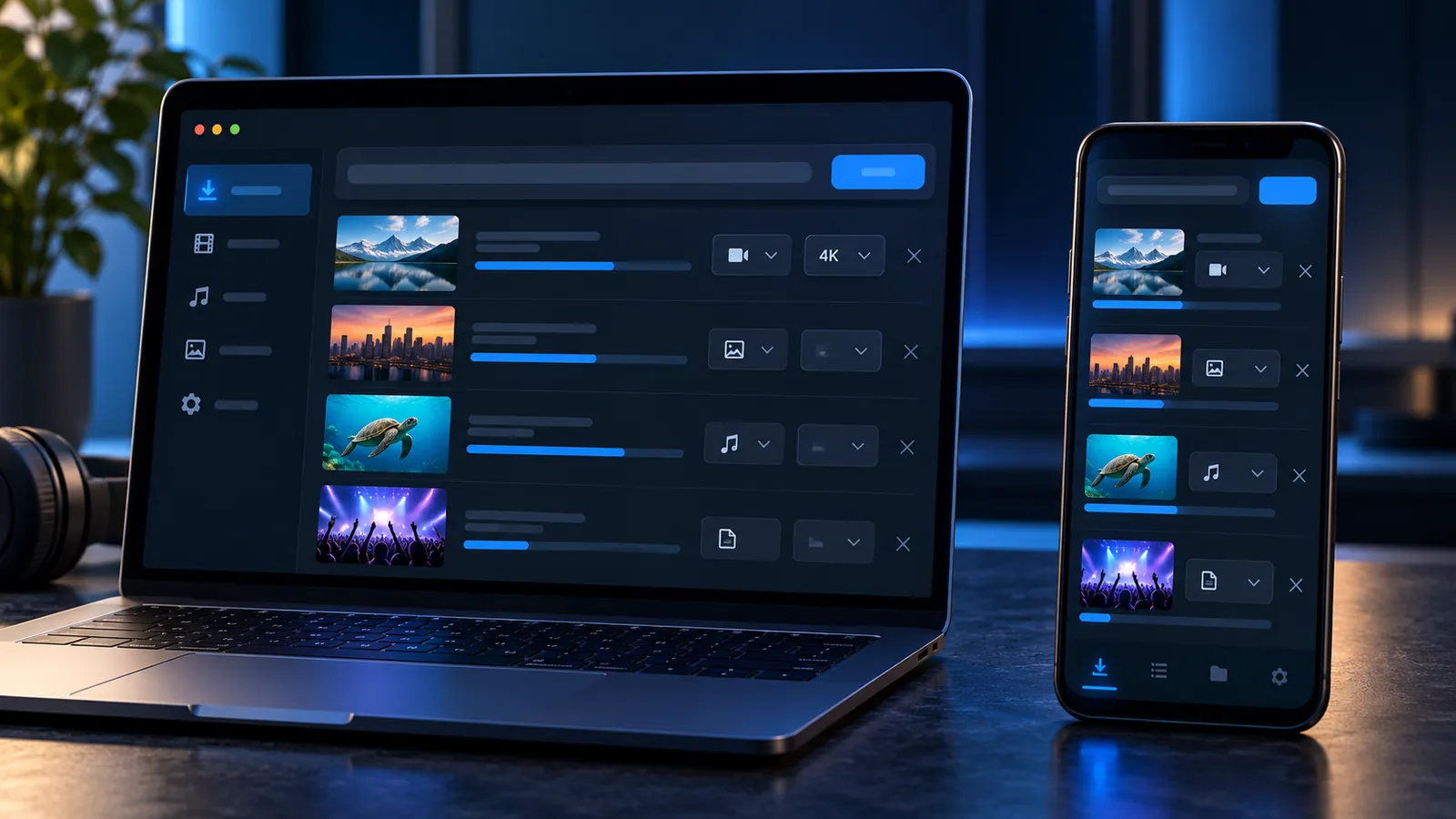
Riplox is designed to make downloading and transferring supported media more organized across Windows and Android.

02 / AI Tools
Video, Audio and Quality Selection
Riplox allows users to save supported media as video or extract the audio. The user can select an available quality according to the intended use, storage space and source.
On Windows, the official product page describes support for download queues, playlists, channels, subtitles, chapters and thumbnails. It also states that the desktop version can continue working through its system-tray mode.
The Android version is designed around the mobile share menu. A user can share a supported link to Riplox and place it into the download queue.
03 / AI Tools
Sending a Link from Phone to PC
One of Riplox’s more distinctive features is its phone-to-PC queue.
According to the official page, a link sent from the phone can wait securely when the computer is unavailable. When Riplox is running on the PC again, the queued request can be processed.
This can reduce the habit of sending links to yourself and then forgetting about them.
04 / AI Tools
Privacy and Control
Riplox offers a private vault on Android for selected downloads, protected through biometrics or a PIN. Its official material also describes the software as open source and available without a required Riplox account.
Private or members-only media may still require authorization from the original platform. A downloader cannot legitimately provide access to material the user is not permitted to view.
05 / AI Tools
Use Download Tools Responsibly
A technical ability to save a file does not automatically grant permission to reuse or republish it.
Riplox should be used for:
- Content you created
- Media you are authorized to download
- Legitimate offline viewing
- Public-domain material
- Content made available under a suitable licence
Users remain responsible for respecting copyright, platform rules and the rights of original creators.
06 / AI Tools
A Practical Cross-Device Workflow
Riplox is most valuable for users who regularly move between phone and computer. Its queues, quality controls and cross-device feature aim to reduce repetitive steps and keep downloads organized.
07 / AI Tools
CTA: Explore Riplox
Visit the official Riplox page to compare its Windows and Android versions and review the latest installation options.